

WHY ITSLEARNING
See why schools choose a European LMS designed for education over generic platforms.
See why schools choose a European LMS designed for education over generic platforms.
itslearning empowers teachers and helps all students reach their full potential.

Translation generated by an AI translation service
Course templates in itslearning can now be shared across sites. This means teachers at one school can share a course structure and content with teachers at another school within the same organisation or even at a country level, and use templates created elsewhere as the starting point for their own courses.
This article explains what the feature does, how it works for teachers and system administrators, and what to keep in mind before you start.
A course template is a course saved for reuse, including its structure and all the content within it. When a teacher creates a new course from a template, the new course inherits the structure, plan settings, and course focus from the original. Submitted work, results, and student data are never copied.
Templates have existed in itslearning for a while, but they were previously limited to use within a single site. The cross-site sharing option extends this, allowing course templates to be made available not only to other schools in the same organisation, but also to all itslearning sites within the same country.
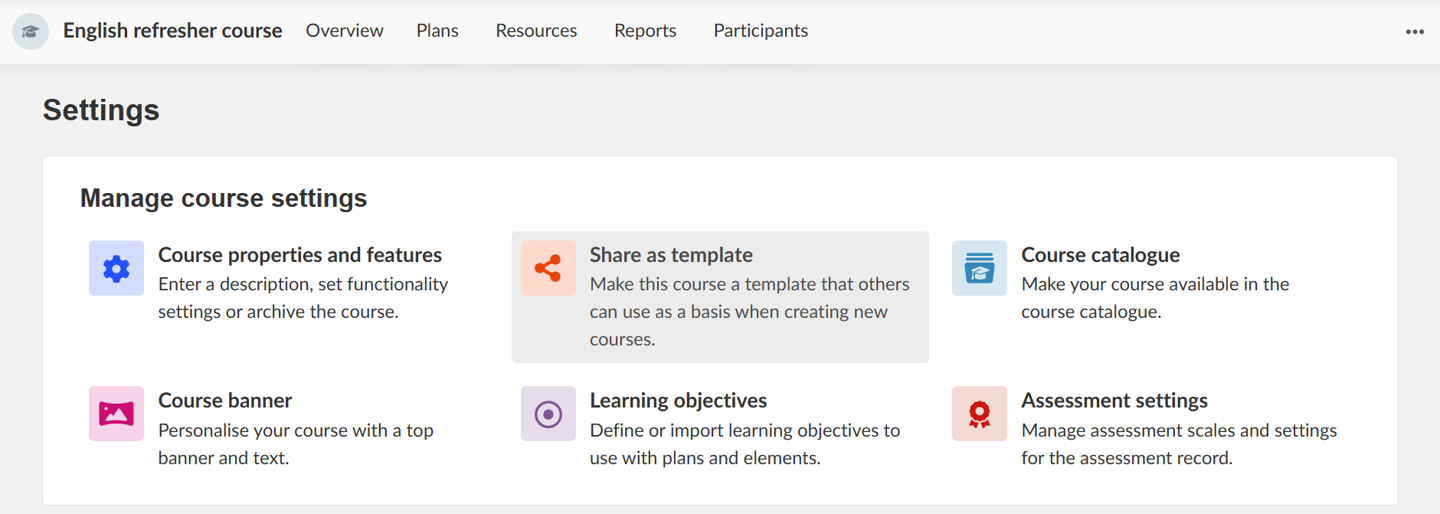
A teacher with the appropriate permission can mark any course as a template and choose the level at which it is shared. To share a course template, teachers can now go to course settings and click on 'share as template'.
Teachers can stop sharing a course as template at any time. Please note that the ability to create courses, and to create courses from a template, is controlled by profile or site policy, so not all teachers will see these actions.
Note that any site using the beta version of the “shareable planner” will no longer see these planners in the “Other sites” tab. If they still want to share the courses connected to these planners, they will need to share the course as a cross-site template instead.
Previewing a template before you use it
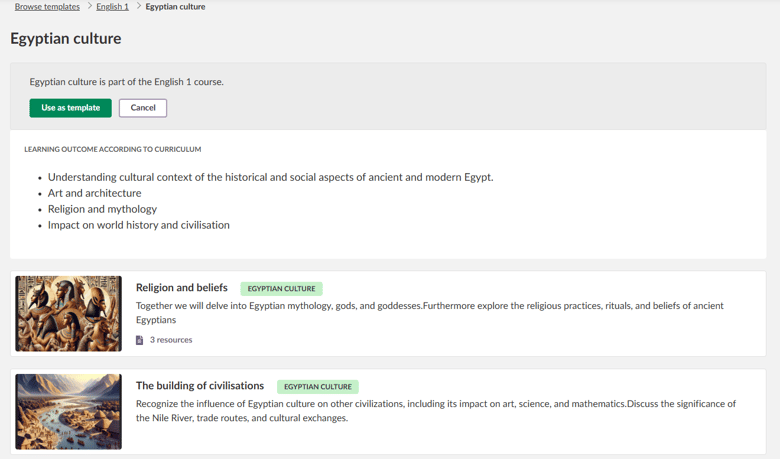
Before creating a course from a template, teachers can open a preview of the template. The preview shows the structure, plan, and resources included, so teachers can decide whether a template is the right fit without having to create a course first.
When creating a new course, teachers can see templates from up to four sources, depending on their permissions and location:
Your courses — courses you are already teaching, useful for reusing a course from a previous year.
Course templates — templates shared within your organisation by colleagues with sharing permissions.
From publishers — in some markets, structured course content from publishers is available here.
Other sites — templates shared from another itslearning site, typically through a formal collaboration between organisations.
For administrators: Before enabling cross-site templates, there are two main decisions to make:
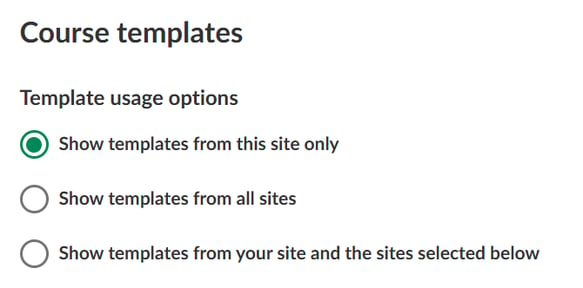
Whether teachers on your site can see templates from other sites. If yes, choose between all sites or only selected ones.
Which profiles or policies on your site can share templates with other sites . Note this is not enabled by default, but set per profile.
Full documentation for both roles is available in the itslearning Support Portal:
This feature is part of the German Development Project (GDP), a collaboration between four German states and itslearning aimed at enhancing digital education in Germany through tailored product developments. Learn more about the GDP roadmap and what other features you can expect to see. For German readers, more details on the German Development Project are made available on our webpages.